Use cases
- Weekly or monthly reporting
- Recurring audits and monitors
- Follow-up reminders
- Routine data pulls and summaries
- Scheduled checks across websites, campaigns, or connected tools
Viewing your agents schedule
For specific tasks
To view Juno’s schedule for a specific task, ensure that you are on the tasks page and then use the calendar icon in the top-right of the page.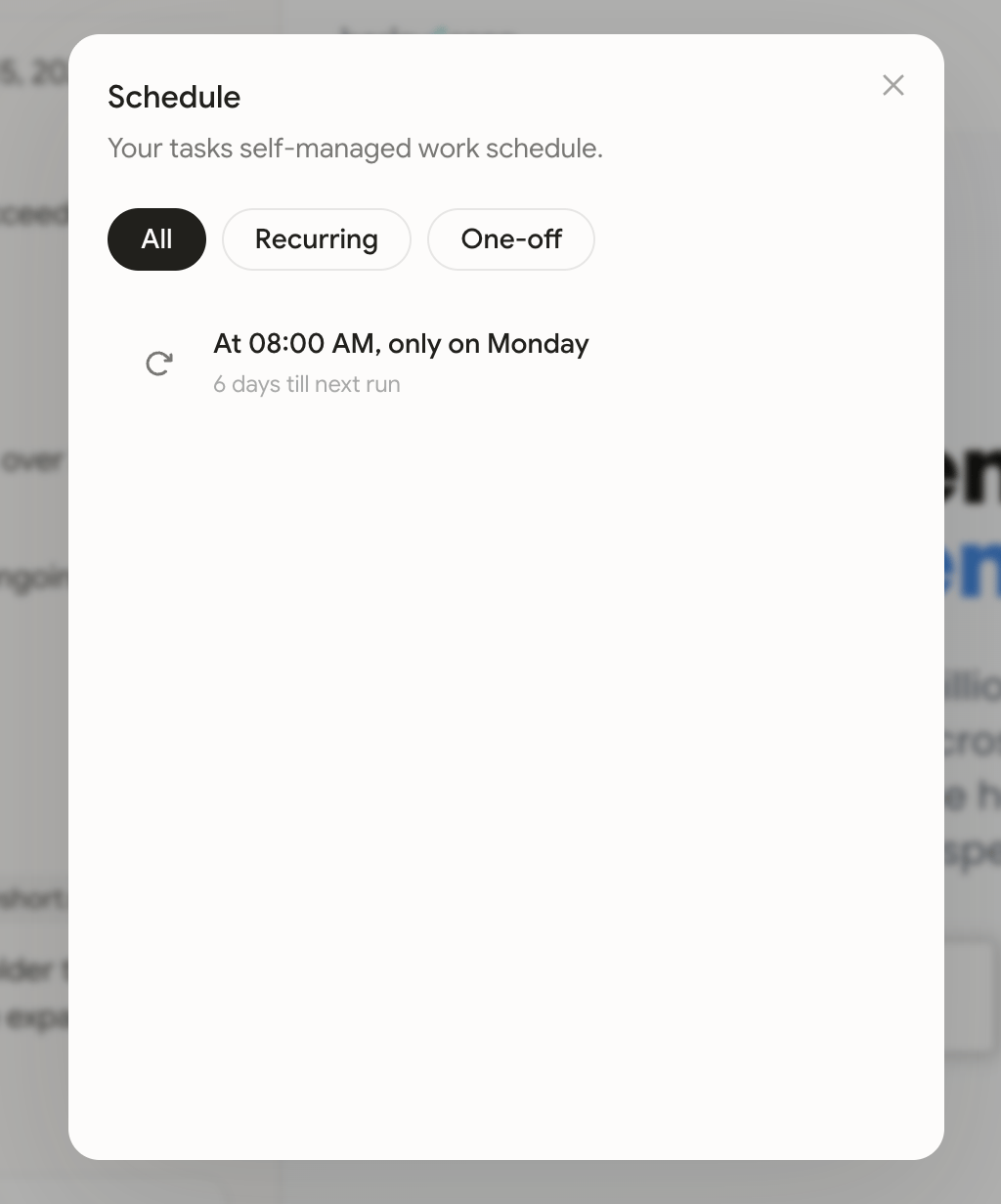
For all tasks
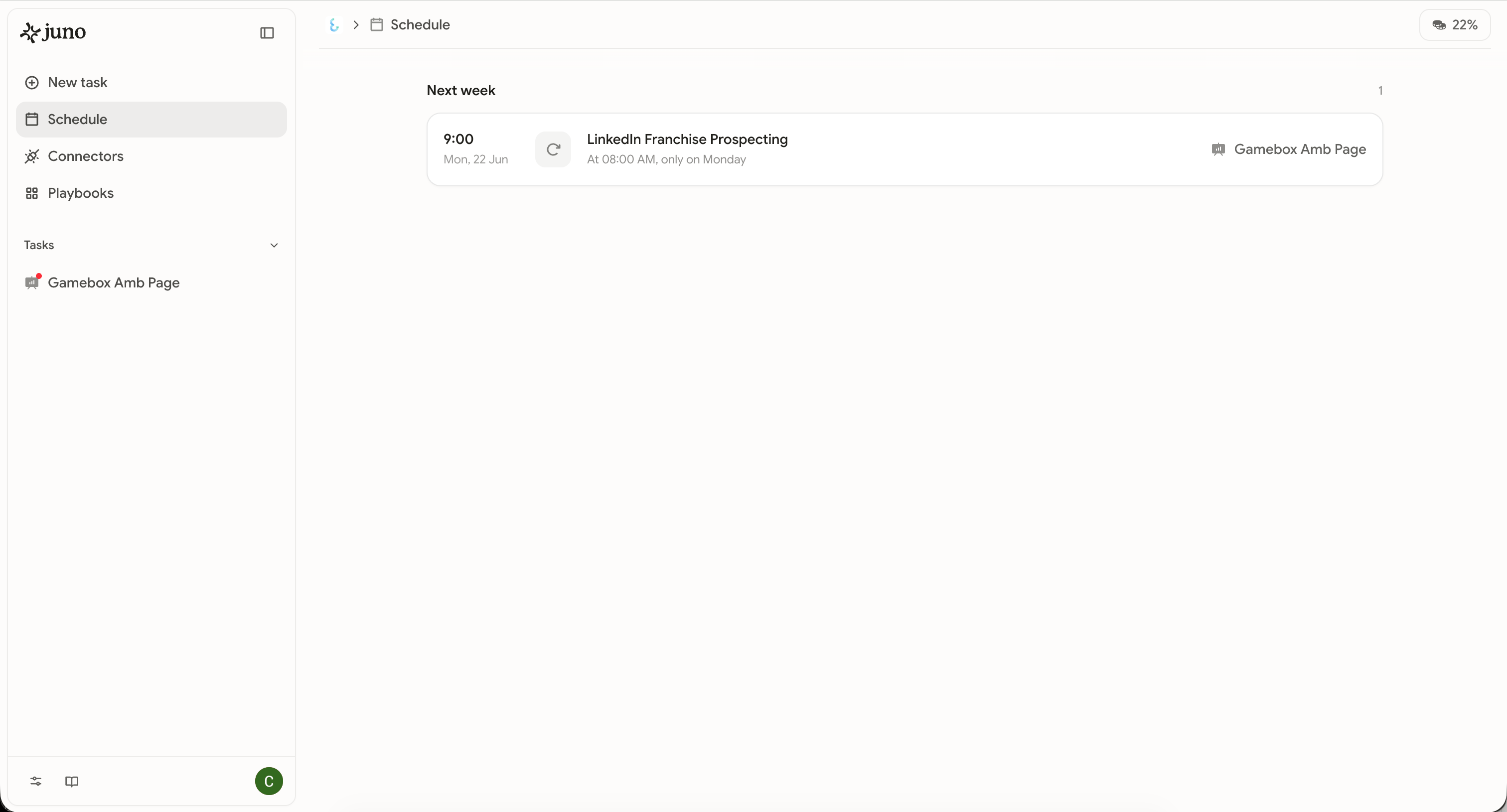
To view scheduled work across all tasks, head to the ‘Schedule’ page from the side navigation. Clicking on an individual schedule will take you to the original task to manage this work.