Marketing work lives across too many tools: CRM, ad accounts, inboxes, spreadsheets, analytics and content systems. Connectors let Juno work with those tools using the access that you have explicitly approved. This means Juno can use real campaign data, customer context, and data pro-actively, just like a human coworker would.

Adding your tools and data

Connecting using chat

The simplest way to add a connector is to simply ask Juno. It will then let you know if the connector is available and present a secure dialog for you to authorize acess.\
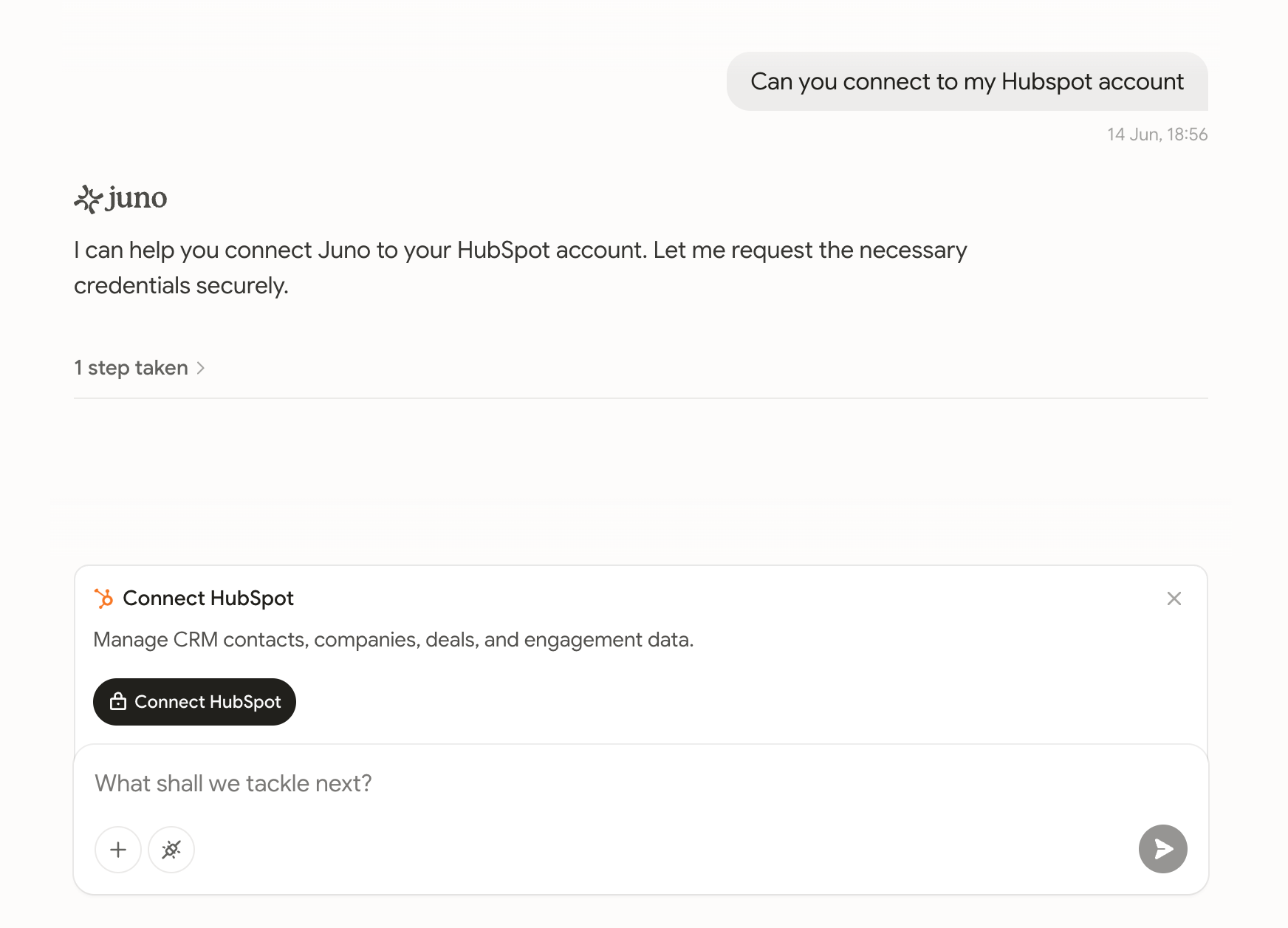
Screenshot 2026 06 14 At 18 59 04
From there, you can begin delegating work that uses this connector immediately and across future tasks.

Connecting using the manager

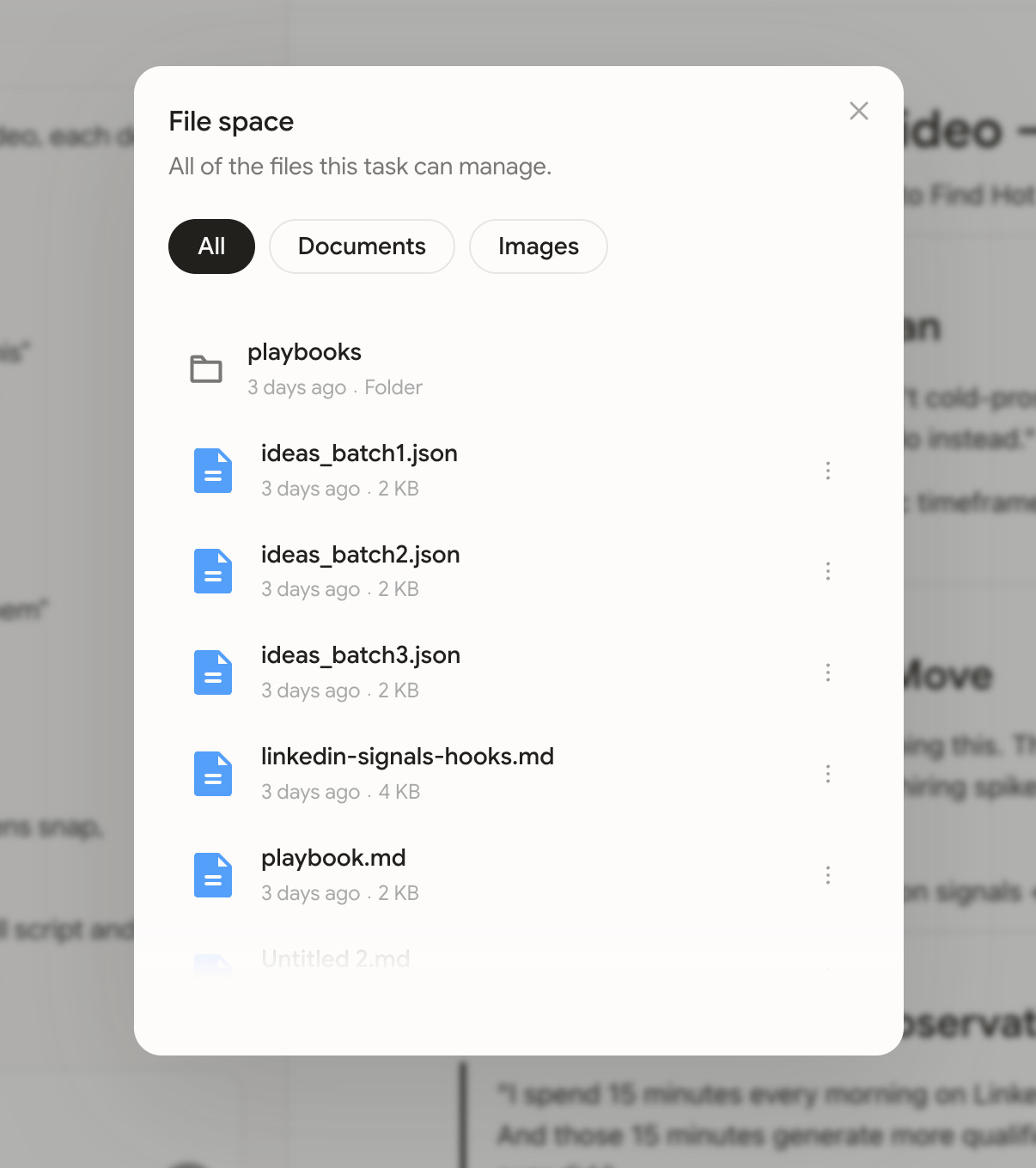
Alternatively, you can explore the connector library from the side navigation.
Image
This enables you to:
  • Add new connectors
  • Re-authorize existing connectors
  • Remove connectors