> ## Documentation Index
> Fetch the complete documentation index at: https://docs.getjuno.com/llms.txt
> Use this file to discover all available pages before exploring further.
# File system
> Juno manages its own file system and can present files to you as work outputs.
Juno can read, create, and update files on its cloud computer so work stays organized as the task progresses.
This means you can upload materials, ask Juno to work with them, and receive durable outputs such as documents, spreadsheets, images, or reports. Additionally, when Juno is completing any task, it may create all different types of files to make its workflows more efficient, just like a human would.
## Exploring the file space
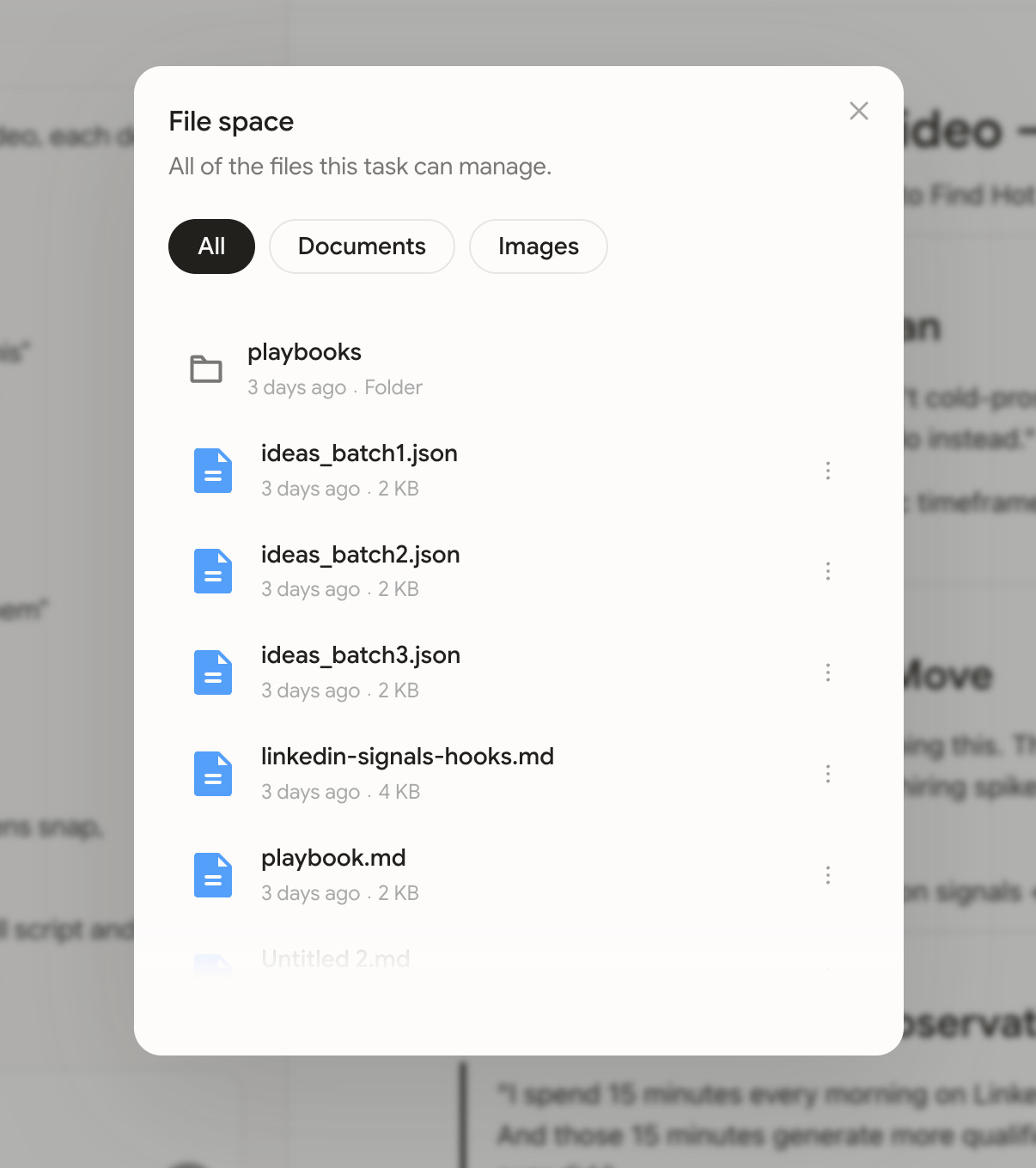
With a task context, you can view and manage the files that Juno has created. Simply click on the file icon in the top-right of the page, when viewing a task.