> ## Documentation Index
> Fetch the complete documentation index at: https://docs.getjuno.com/llms.txt
> Use this file to discover all available pages before exploring further.
# Connectors
> Juno has secure, native connectors to common marketing tools with specialized training for each.
Marketing work lives across too many tools: CRM, ad accounts, inboxes, spreadsheets, analytics and content systems. Connectors let Juno work with those tools using the access that you have explicitly approved.
This means Juno can use real campaign data, customer context, and data pro-actively, just like a human coworker would.
## Adding your tools and data
### Connecting using chat
The simplest way to add a connector is to simply ask Juno. It will then let you know if the connector is available and present a secure dialog for you to authorize acess.\\
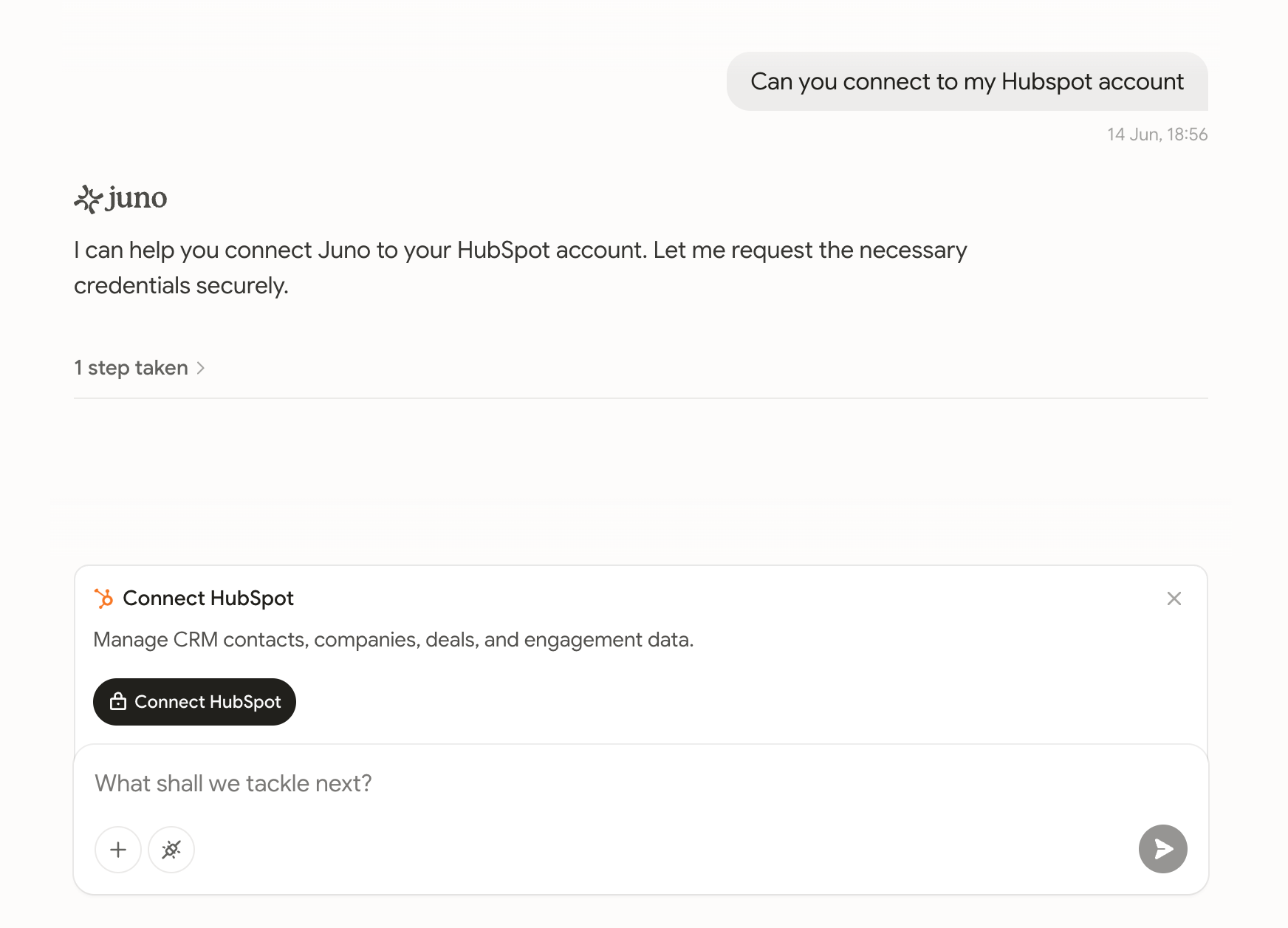 From there, you can begin delegating work that uses this connector immediately and across future tasks.
### Connecting using the manager
Alternatively, you can explore the connector library from the side navigation.
From there, you can begin delegating work that uses this connector immediately and across future tasks.
### Connecting using the manager
Alternatively, you can explore the connector library from the side navigation.
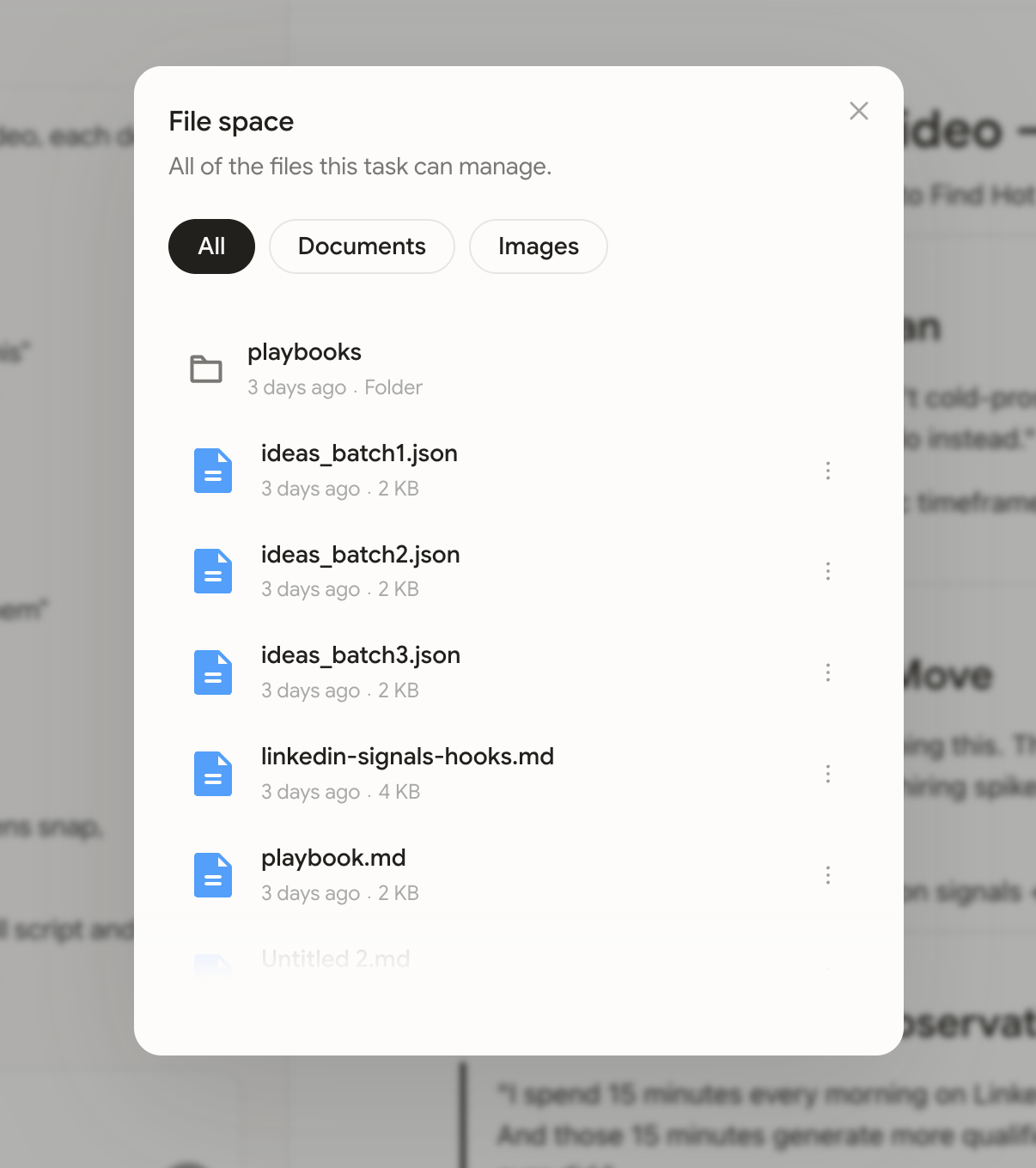 This enables you to:
* Add new connectors
* Re-authorize existing connectors
* Remove connectors
This enables you to:
* Add new connectors
* Re-authorize existing connectors
* Remove connectors